Option A
Kickoff workshop
A hands-on session for your staff, built around their real tasks, with a short list of safe, useful next steps.
Good for: getting a team started
Now enrolling Afterschool & weekend programs
High school students learn to design games and build real apps with today’s AI tools, and how to catch what the AI gets wrong. Taught by a former engineering and robotics teacher with fifteen years in the classroom.
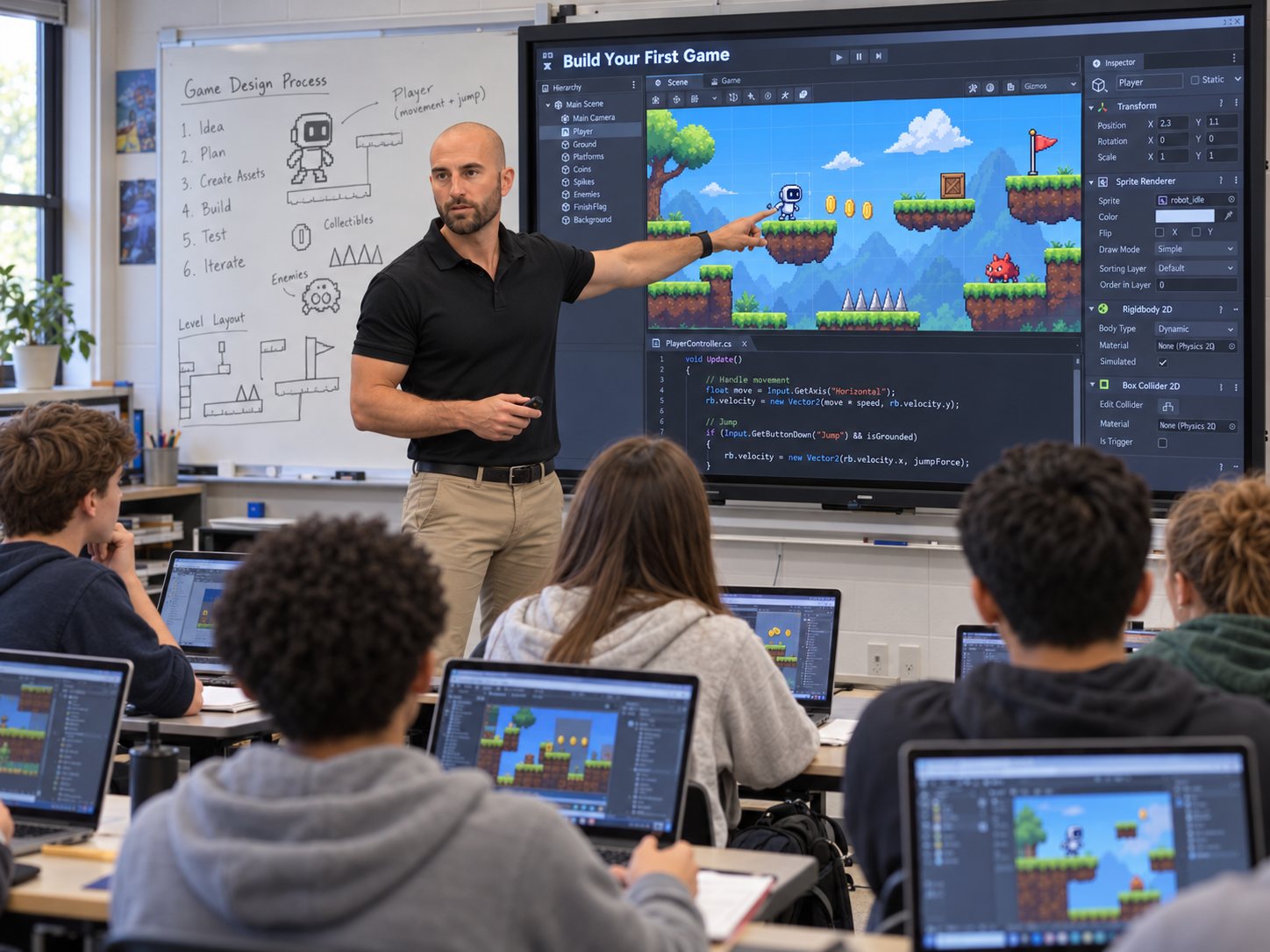
Sheet 02 · The program
Students build from the first session. Each project follows the same six steps engineers use, with AI as a tool at every step.
Pick a game or app worth making.
Sketch the screens, rules, and levels.
Make characters, art, and sound with AI tools.
Write and generate the code, then make it run.
Playtest, find bugs, and check the AI’s work.
Improve it and get it ready to show.
What students learn

Game concepts
Concept art for the kinds of games students design in the program. Each one starts as an idea like these and goes through the same six steps.

FIG. 2ANeon RushHoverboard racing

FIG. 2BFloating ruinsPixel-art platformer

FIG. 2CBot ForgeRobot arena puzzle
Now enrolling
We’re enrolling students for the first afterschool and weekend sessions now. Reserve a spot and you’ll be the first to get dates, location, and details.

Who teaches
I taught engineering, robotics, and computer science for fifteen years at Warren G. Harding High School and online.
Today I implement medical devices and surgical robotics in hospitals, and I build my own apps and games with AI tools. Students learn from someone who uses these tools for real work.
Sheet 03 · Questions
High school students. No coding experience is needed. Students start with the basics and build up.
Afterschool and on weekends in the Saint Johns, Florida area. Families who reserve a spot get dates and the location first.
A game or app of their own, plus the skills to keep building after the program ends.
Students learn what not to share with AI tools, how to spot wrong answers, and when to rely on their own judgment.
Email to reserve a spot and I’ll send current dates and pricing.
Yes. Programs can run on a school campus, and I also offer teacher PD and workshops.
Sheet 04 · For schools & teams
I also train teachers and staff to use AI well, with hands-on sessions built around their real work. Three example starting points; we set the exact scope together.

Option A
A hands-on session for your staff, built around their real tasks, with a short list of safe, useful next steps.
Good for: getting a team started
Option B
Assessment, interviews, and a written plan covering tools, rules, training, and how you’ll measure it.
Good for: leaders deciding where to invest
Option C
A guided pilot with one group, training along the way, and a review of what worked before you scale it.
Good for: proving value before going wide
What I help with
Sheet 05 · Process
The same sequence I use to install medical systems in hospitals. Select a step to see what you get from it.
What happens
What you get
Now enrolling
Send your student’s name, grade, and whether afterschool or weekends work best. I’ll reply with dates, location, and next steps.
Schools and teams: choose teacher PD or a workshop in the form for rollout planning.